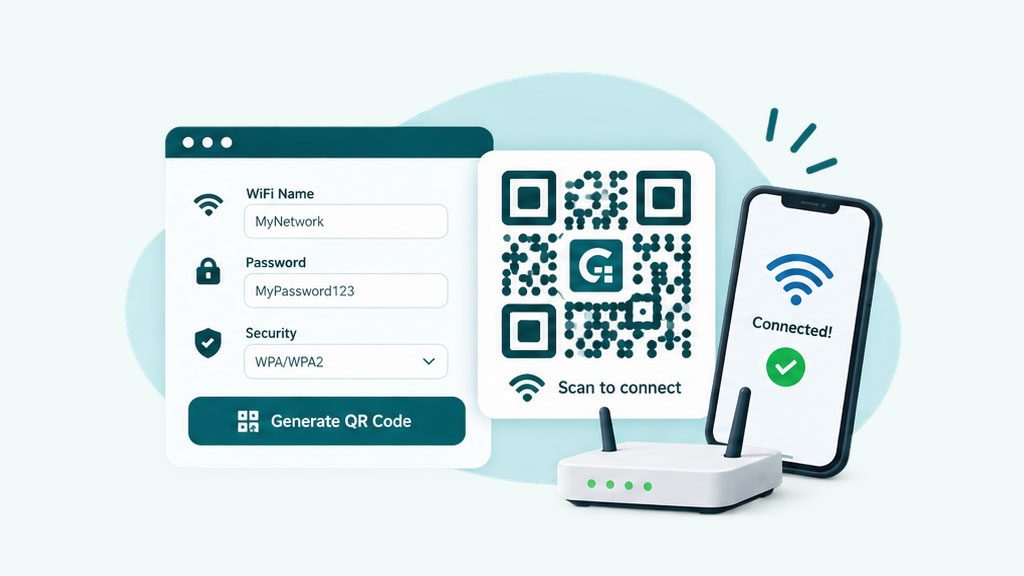
How to make a WiFi QR code
Let guests join your network with one scan, no password typing, for cafes, rentals, and homes.
Read guide
Create a QR code for a link, WiFi, a vCard, and more. Pick your colors, add a logo, choose a frame, and download a crisp PNG or SVG. No account, no watermark.
A QR code generator is a tool that turns information, such as a web link, WiFi login, or contact details, into a scannable QR code. GenerateQR is a free QR code generator: you enter your content, customize the colors and logo, and download the finished code as a PNG or SVG. Any phone camera reads it, with no app to install.
Every code you make here is static, which means the data lives inside the image. That keeps it permanent and free for life, with no account, no expiry, and no limit on scans.
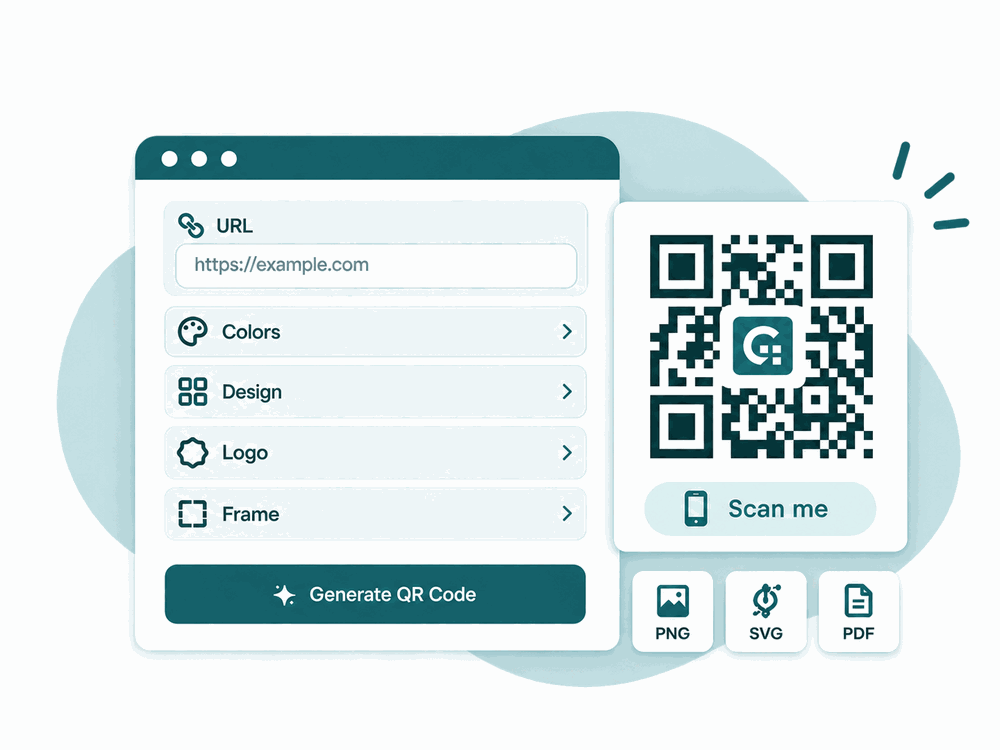
Pick a type in the generator above and GenerateQR builds the right data format for you. Point a phone camera at the finished code and it opens instantly, with no app required.
Three steps, about thirty seconds. Everything happens in the generator at the top of this page.
Pick a tab for a link, WiFi, a vCard, or another type, then type or paste your details. The preview builds as you go, so you always see the real code.
Change the foreground and background colors, add a gradient, drop in your logo, and choose corner markers, a dot pattern, or a labelled frame.
Choose your size, then download a high-resolution PNG for screens or a scalable SVG for print. Save the file and it is yours to use anywhere.

A plain black square works, but a branded code earns more scans. GenerateQR gives you real design control without any of the guesswork.
Set any foreground and background color, add a linear or radial gradient, and keep enough contrast for reliable scanning.
Upload a logo or choose a watermark. Higher error correction keeps the code readable even with an image on top.
Swap the dot pattern and reshape the three corner markers to give your code a distinctive, on-brand look.
Wrap the code in a frame with a short prompt like “Scan me” to lift scan rates on posters and packaging.
Export a sharp PNG for the web or a vector SVG that stays crisp at any size, from a badge to a billboard.
Pick from four correction levels so your code still scans if it is scuffed, printed small, or partly covered by a logo.
GenerateQR makes static QR codes for free with no account: the data is encoded directly in the image, so the code is permanent and works for life. Dynamic QR codes point to a short link you can edit and track, and you can create them with a free account.
Dynamic codes use a short link we store and update for you, so they need a free account. Create your free account to save codes and build dynamic QR codes.
One quick scan bridges print and digital. These are the places a QR code earns its keep.
Create as many QR codes as you like with no sign-up, no trial, and no watermark stamped on your download.
Your codes are generated on demand and temporary files are cleared automatically. Download yours and keep it for good.
The generator runs in any modern browser on phone, tablet, or desktop, with nothing to install.
Download standard PNG and SVG files that drop straight into your designs, documents, and print jobs.
A few simple habits keep your codes fast and reliable, on screen and in print.
Practical, step-by-step walkthroughs for getting the most out of your QR codes.
Let guests join your network with one scan, no password typing, for cafes, rentals, and homes.
Read guide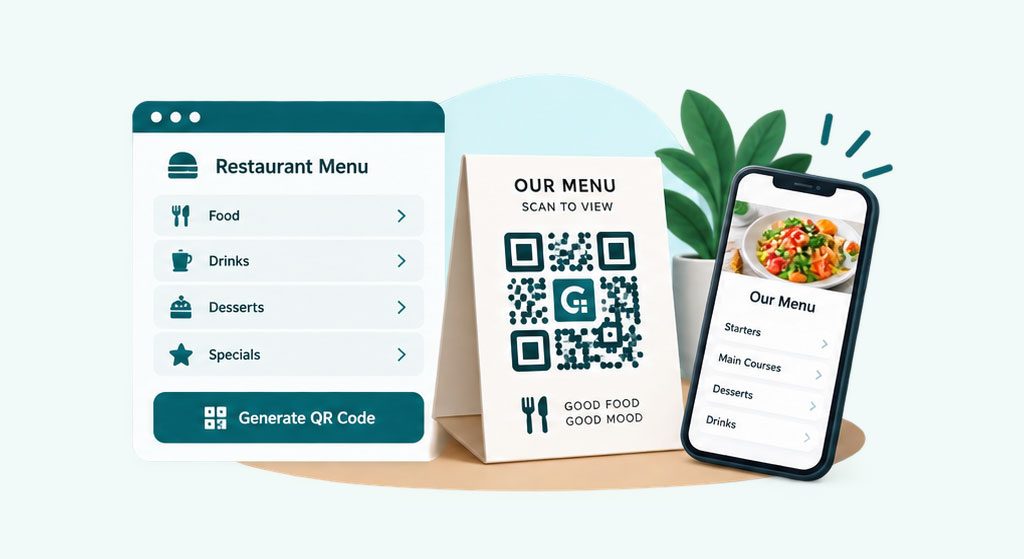
Turn a table tent into a live, contactless menu that you can update any time.
Read guide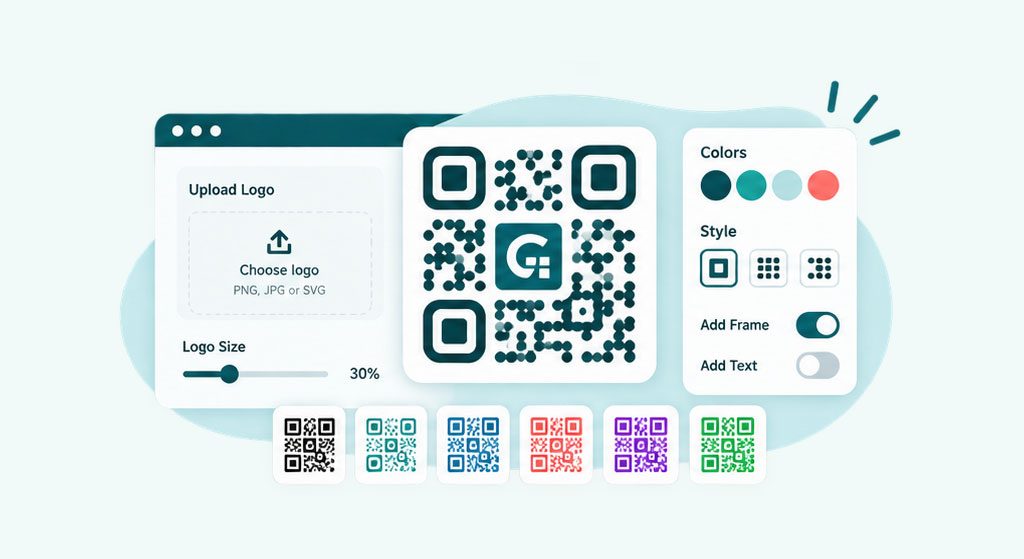
Place your brand in the center and keep the code reliable with the right error correction.
Read guide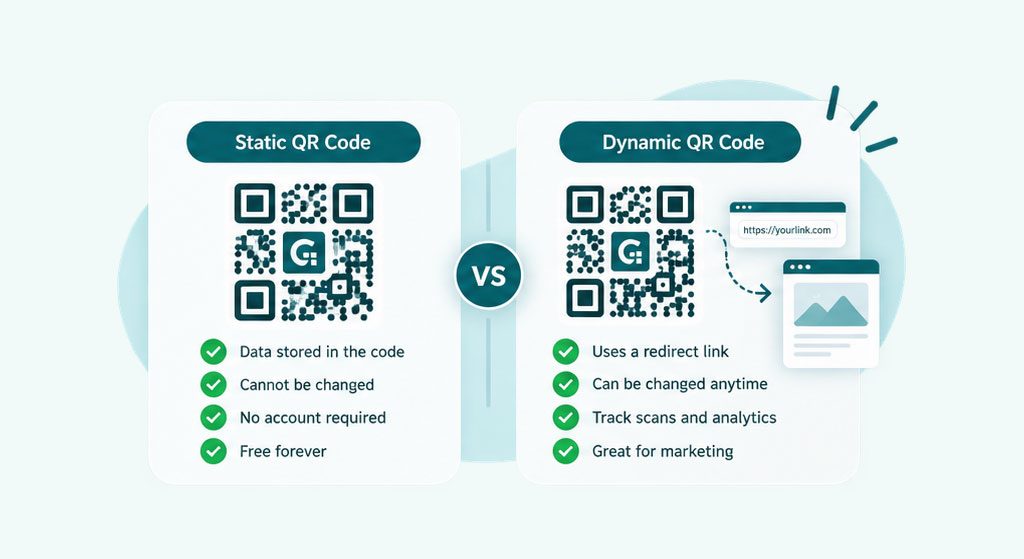
Understand which type fits your project, and when an editable, trackable code is worth it.
Read guideYes. You can create and download unlimited QR codes for free, with no account and no watermark on your images.
Yes. Every static QR code you create here is permanent and free for life. The data sits inside the image, so it keeps working with no expiry and no subscription.
No. The static QR codes you make here never expire because the data lives inside the image itself. They keep working as long as the destination, such as your link, stays online.
Yes. Open the design options, upload your logo or choose a watermark, and raise the error-correction level so the code still scans reliably with an image on top.
A static code stores the content directly, so it is free and permanent but cannot be edited. A dynamic code points to a short link you can change and track. GenerateQR makes static codes for free with no account, and you can create dynamic codes with a free account.
Use PNG for websites, social media, and quick sharing. Use SVG for print and large formats because it is a vector and stays perfectly sharp at any size.
Keep it at least 2 by 2 cm (about 0.8 inch), and larger for greater scanning distance. A rough guide is one unit of code size for every ten units of distance. Add a quiet margin around it and test before printing at scale.
Yes. The QR codes you generate are yours to use on products, packaging, marketing, and anywhere else, personal or commercial.
On most phones you open the camera app and point it at the code. A link appears to tap. Some phones have a QR option in the control center or need a free scanner app for older models.
Yes. Recent iPhone and Android cameras read QR codes out of the box, and older phones can use a free scanner app. The codes here follow the standard QR format, so they work across devices.
The best free QR code generator gives you the code you need with no sign-up, watermark, or expiry. GenerateQR does that for links, WiFi, vCards, payments, and more, with color, logo, and frame options and PNG or SVG downloads.